Family App: Attach a photo straight from the camera
Overview:
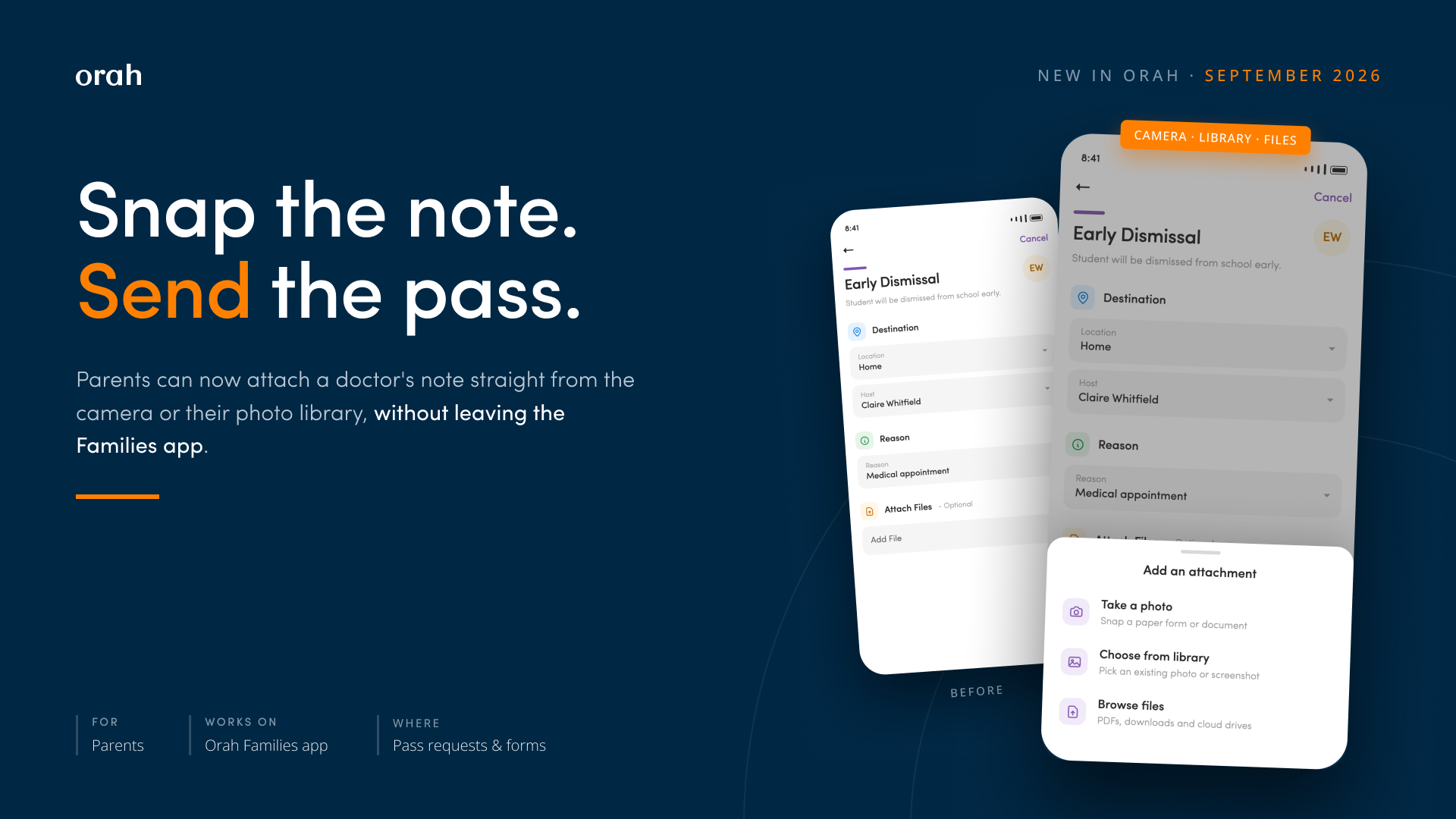
Parents can now take and attach photos directly from their device camera when creating passes in the Orah for Families app. Previously, parents had to first capture a photo in their camera app, save it, and then upload the file through a multi-step process. This streamlined workflow makes it faster to attach medical notes, permission slips, or other documentation when requesting leave passes for students.
How it works
In the Orah Families app, start a new pass or open a form that asks for a file.
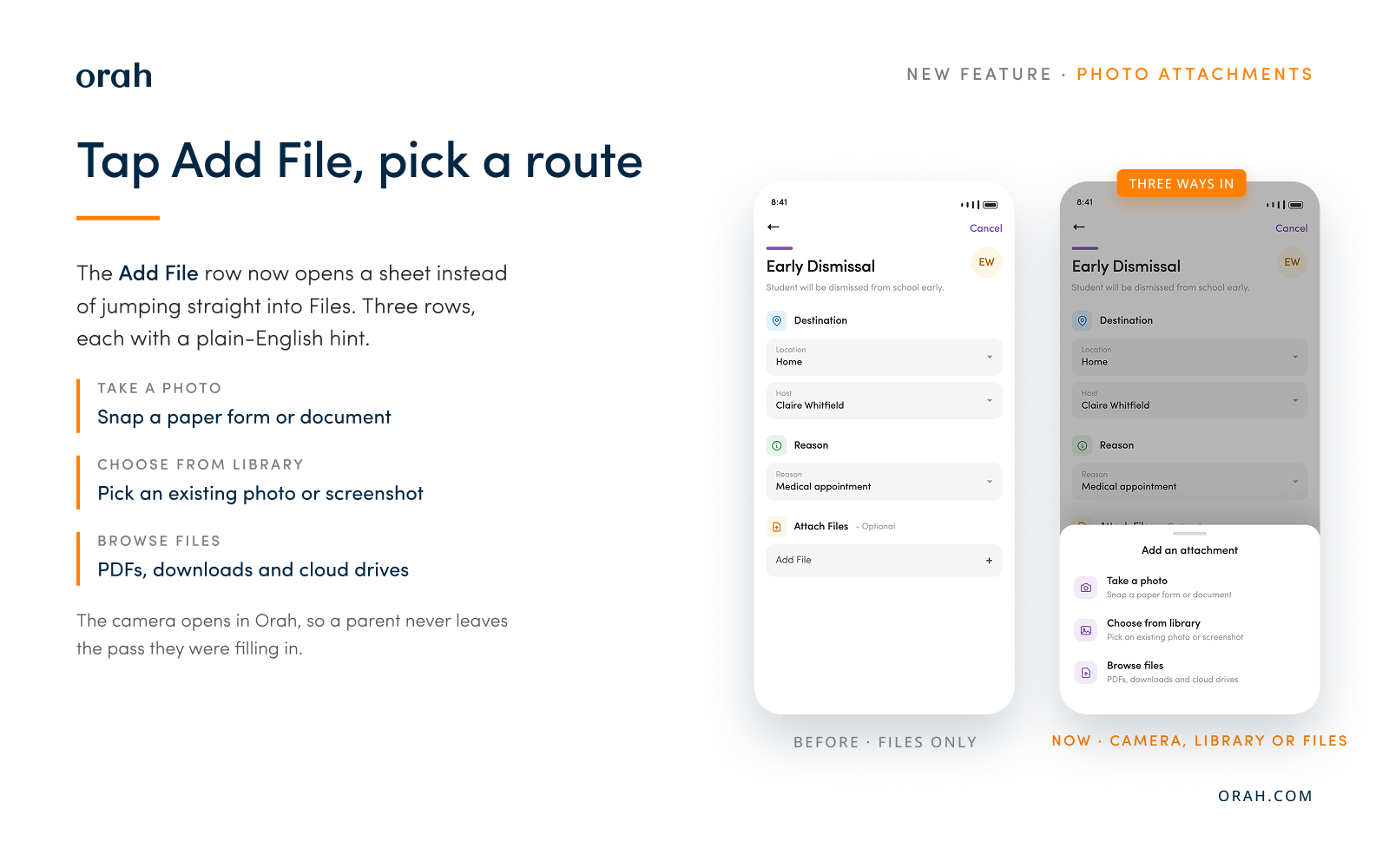
Scroll to Attach Files and tap Add File.
Choose Take a photo, Choose from library, or Browse files.
Take or pick the photo. It attaches to the pass, and the request submits as it always did.
Good to know
Nothing to switch on - No new setting, no permission to configure. The attachment field appears wherever it already did, which means a pass type with Attach File enabled, or a form with a file upload question.
Parents need the updated app - This ships inside the Families app rather than as a server change, so a parent sees it once their phone has the new version.
Photos are resized before upload - Capped at 1920px on the longest side at quality 0.8, turning a typical 4-5 MB camera file into a few hundred KB. Still readable, and it finishes on a weak signal.
Denied permissions now say so - If camera or photo access is off for Orah, the app shows a message pointing at device Settings instead of appearing to do nothing.