Shared-email login - allow staff & parents to share an email
What changed
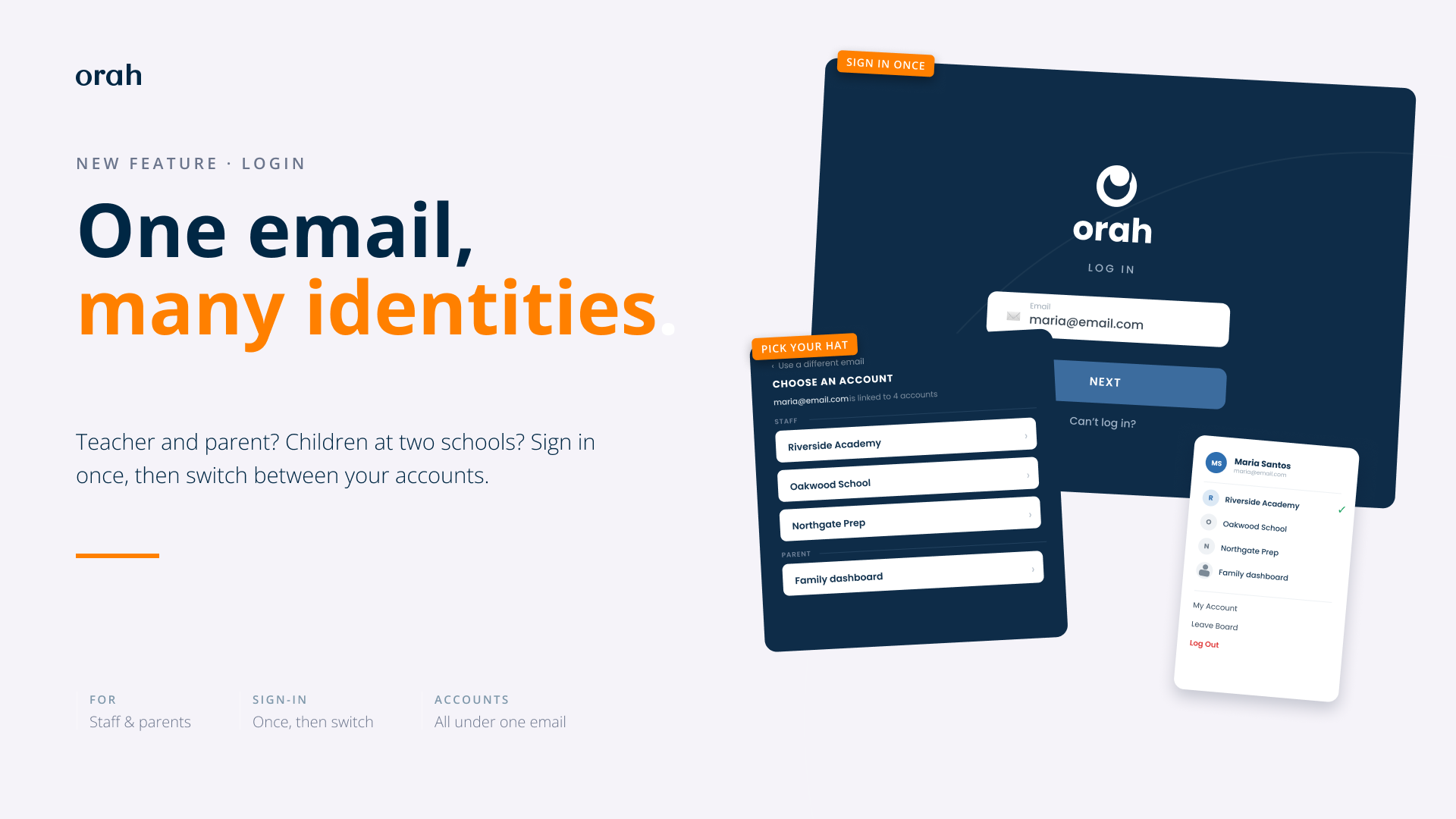
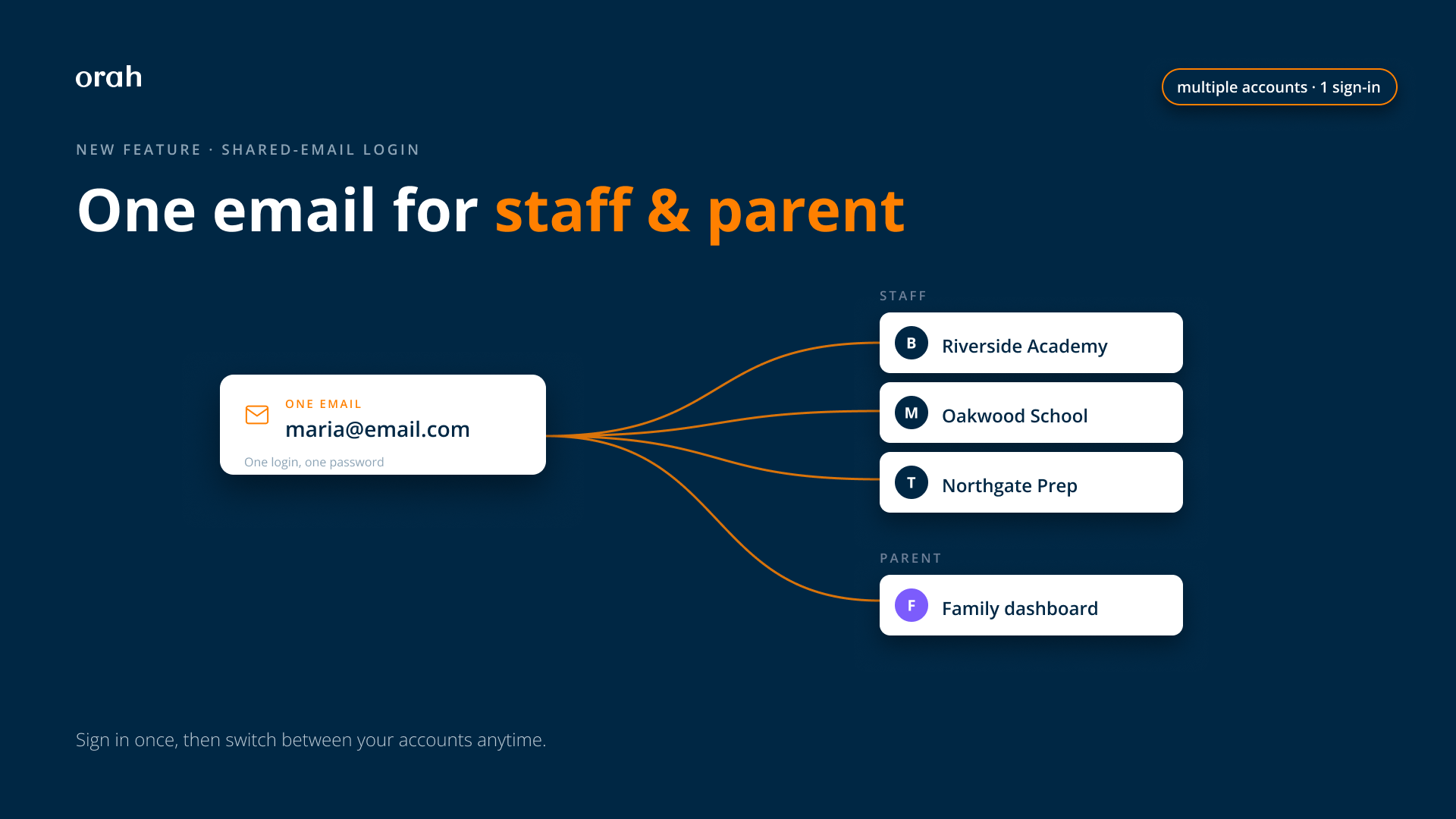
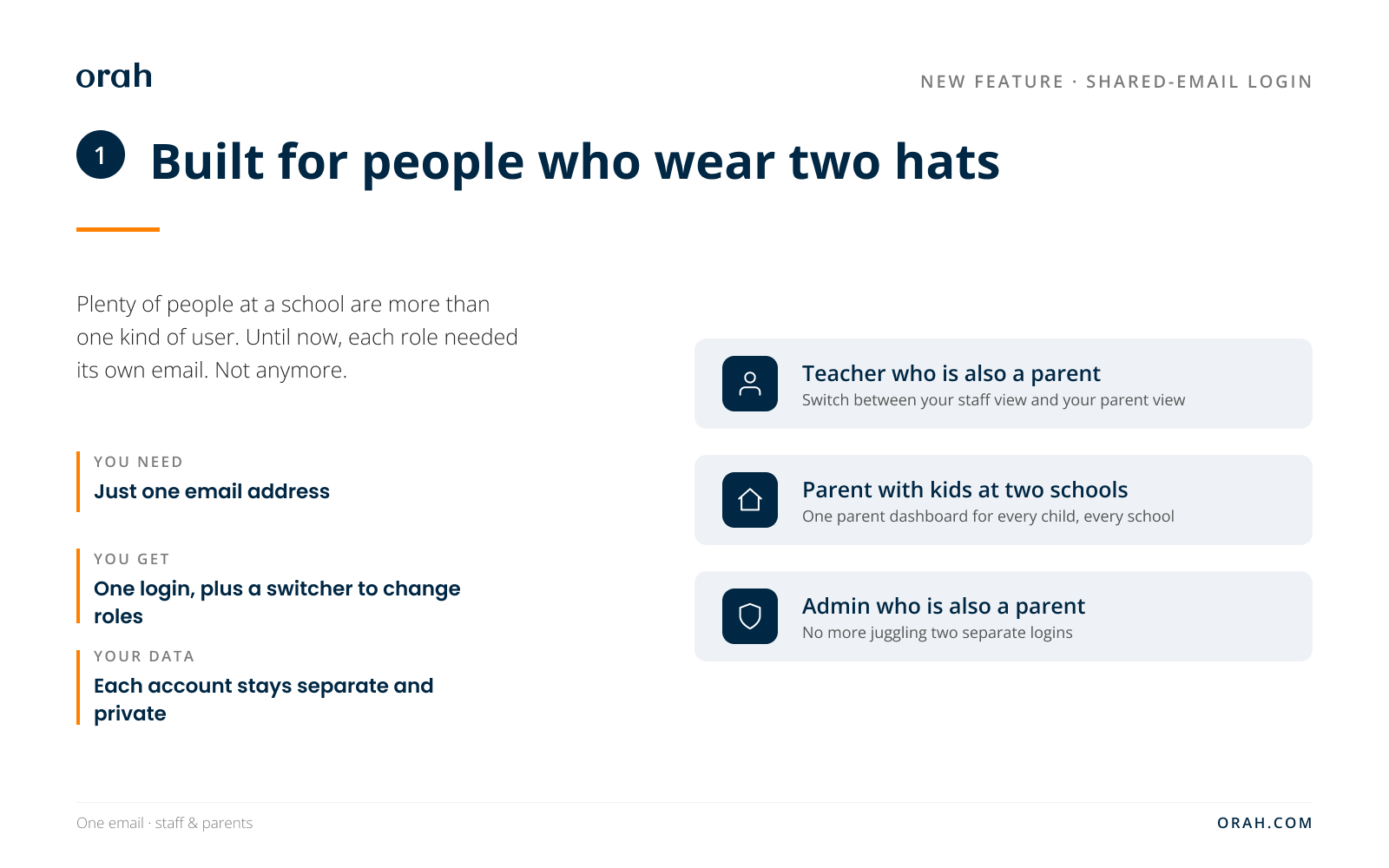
Someone who wears more than one hat (Staff, Parent) at a school can now run all of it from a single email. Think of a teacher who's also a parent, a parent with kids at two Orah schools. Before, every role needed its own email address, so these people kept two logins or just couldn't sign in as the other version of themselves. Now? One email, one sign-in, then the account chooser. A switcher in the top corner changes roles anytime, with no second password to type.
Why it helps
One email, two people. Sometimes three. A teacher who's also a parent stops keeping a separate work login and home login. Parents with kids at two schools no longer sign out of one to peek at the other. Fewer passwords, fewer resets. And Orah remembers where each person left off, so switching roles lands them right where they were instead of a generic landing page.
How it works
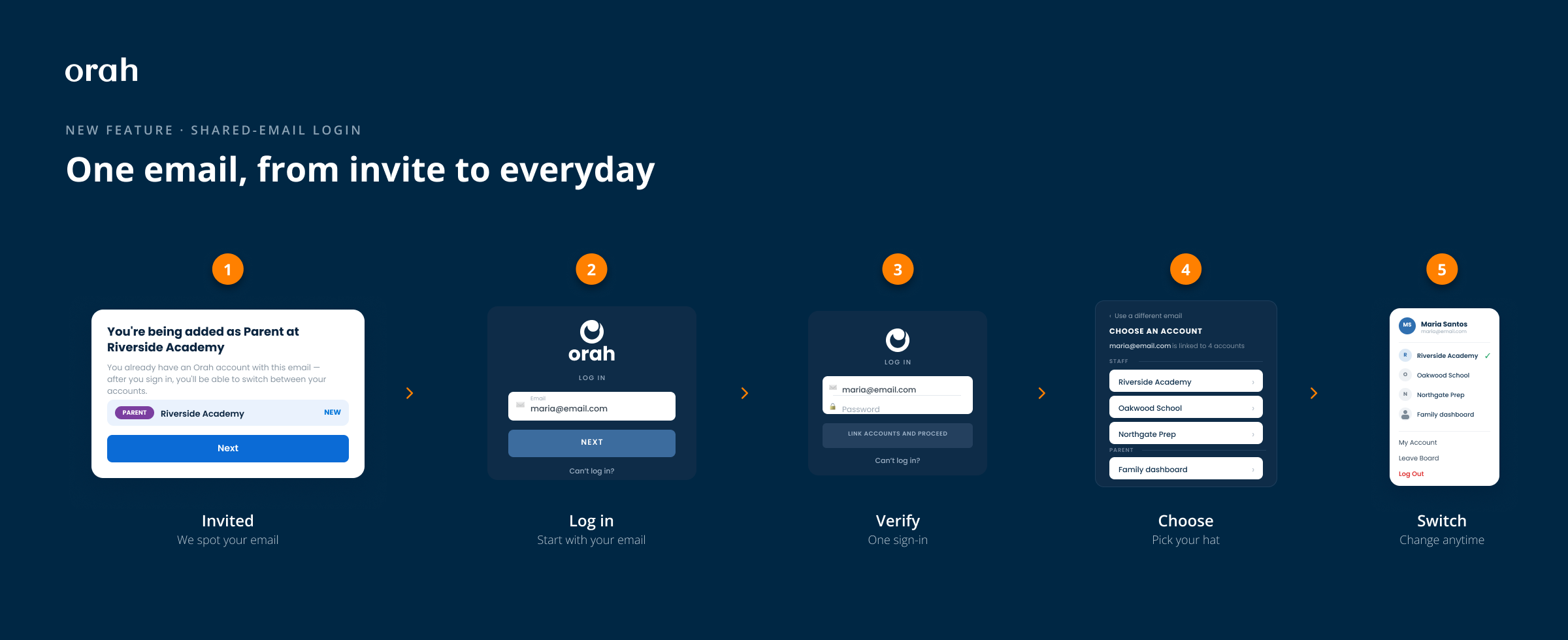
For the person signing in, it's short. They type their email, sign in once with a password or their school's SSO, and if that email opens more than one account, a "Choose an account" screen appears. Pick one, you're in. The menu in the top corner switches roles later.
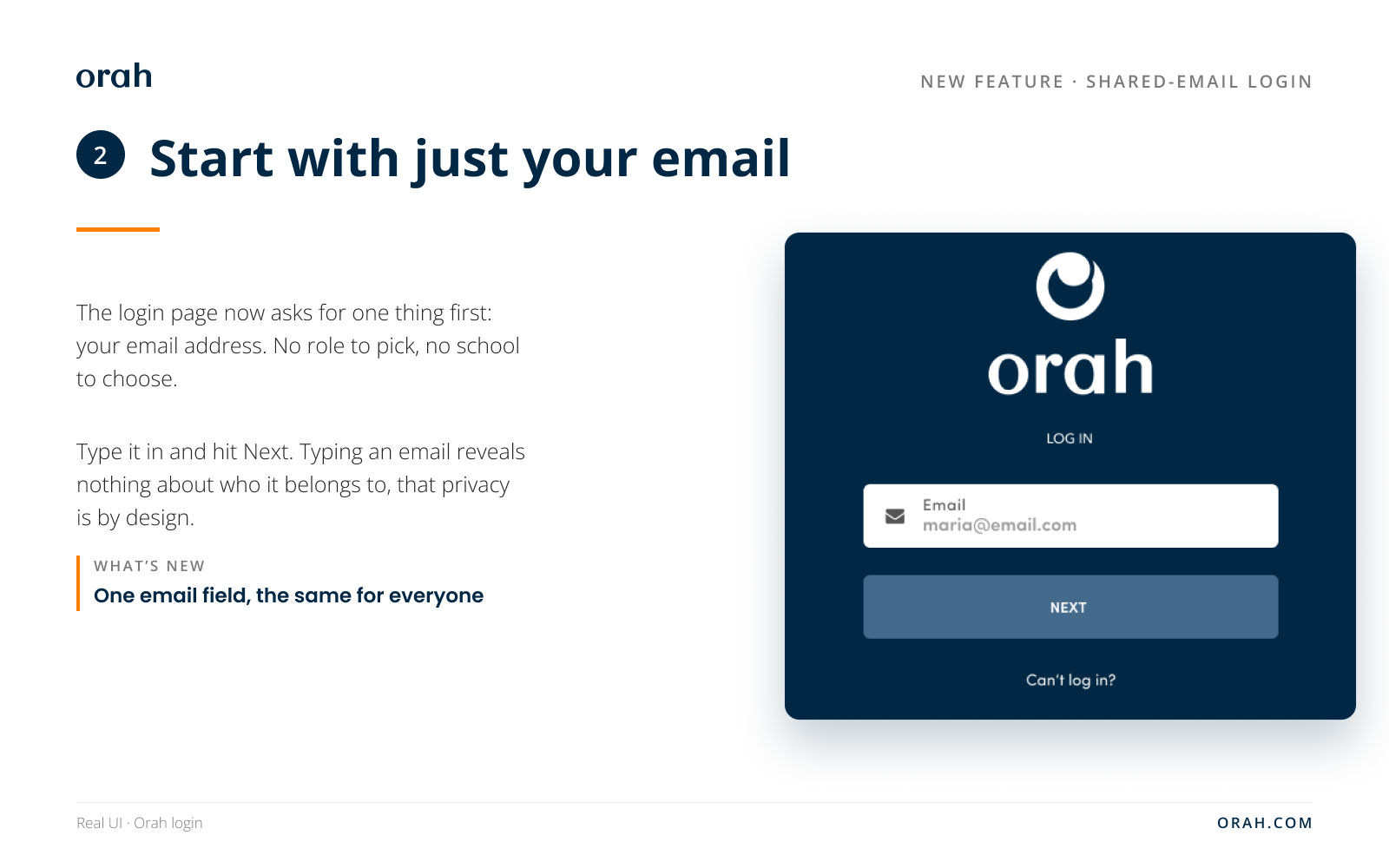
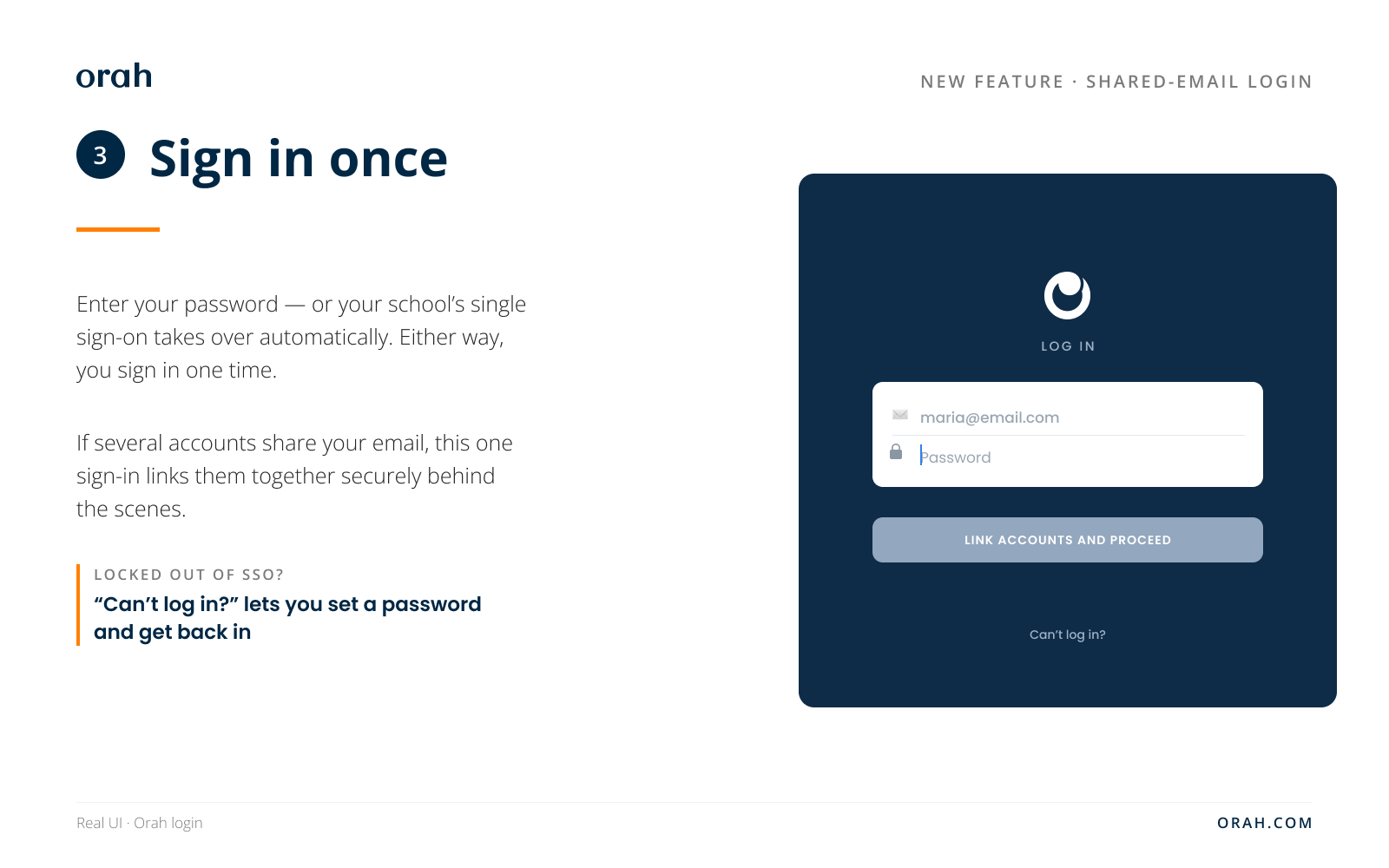
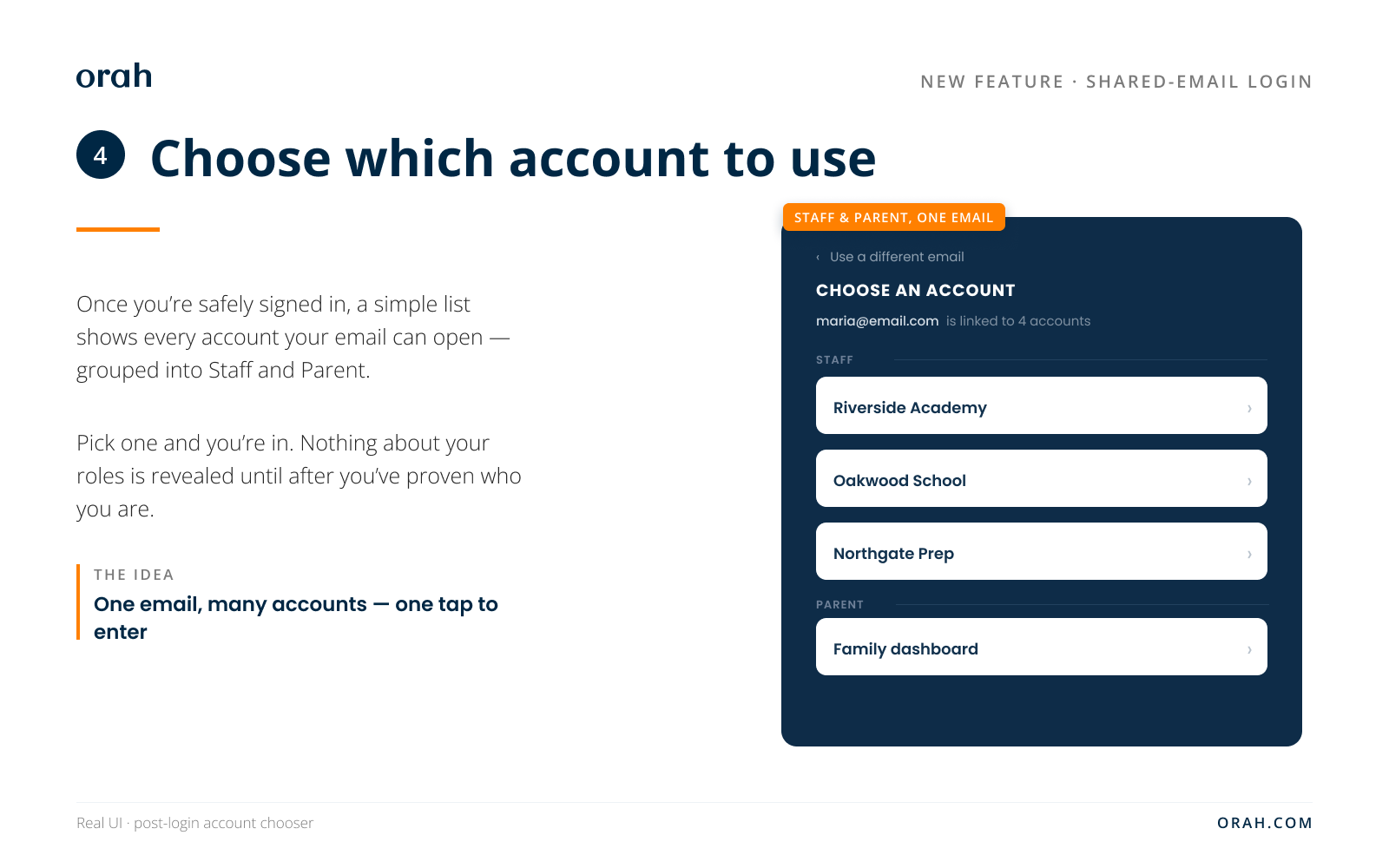
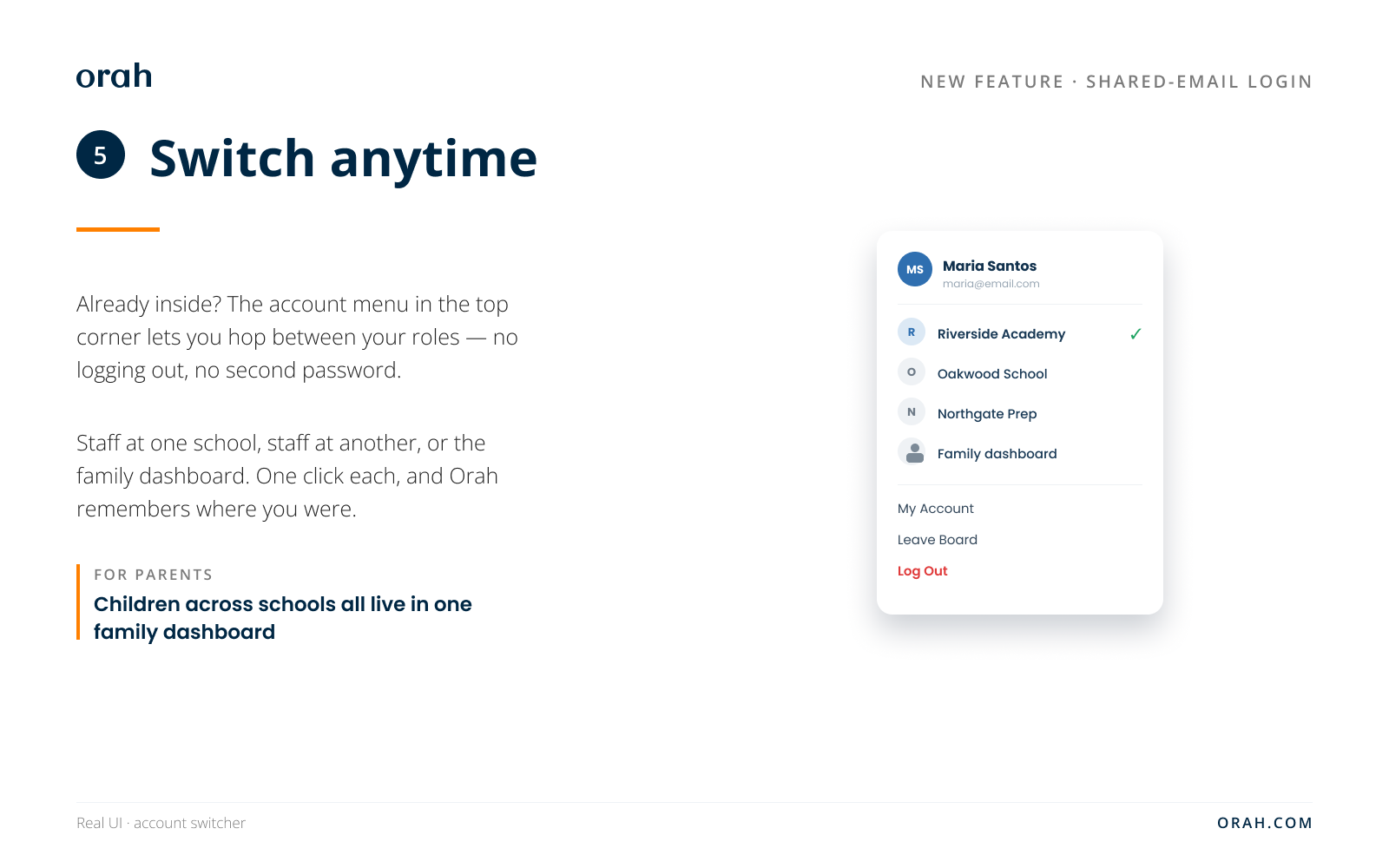
For the admin, this is where the real change lives. Three cases:
Someone already in Orah picks up a second role. If the email is already a staff member, you can add a parent role to it. It works the other way too: an existing parent can be given staff access. The extra role attaches to the same login, so they sign in once and flip between the staff view and the parent view. This is the teacher-who's-also-a-parent case.
A parent who already belongs to another Orah school joins yours. Their email already runs one parent account. When your school adds them, Orah ties your students to that same account instead of opening a new one. All their children, whatever school they attend, land in one family dashboard.
Some things stay separate on purpose. A student account never merges with a staff or parent account, either direction. And inviting the same staff member to the same school a second time won't create a duplicate.
Whichever case it is, there's no duplicate account and no second password. If the person hasn't signed in yet, they see a short welcome that says they're being added as a given role at your school, and that they can switch once they sign in.
Key points
Roles and schools stay hidden until after sign-in. Typing an email at the login page gives away nothing about who owns it. That privacy is on purpose.
Parents stay a single account across schools. Staff get one account per school, because two schools really is two jobs.
Multiple single sign-ons work too. A person can use School A's SSO for work and School B's SSO as a parent, and keep both.
Locked out of SSO after a child graduates? A quiet "Can't log in?" link lets them prove they own the email and set a password to get back in.
Common questions
"I added a parent but no new account appeared." Expected, when the email already exists. The parent is attached to their current account and can switch to your school once they sign in.
"Our parents come in through SSO. Do I still send an invite?" No separate email invite. When your school provisions parents through SSO, they're linked on sign-in. A parent who's a contact on several of your students gets invited once and linked to all of their children, so the old "JIT user already exists" error is gone.
"A parent has children at two of our schools." One parent account covers all of them. Every child sits in the same family dashboard, tagged with the school they attend.
"Can a student share an email with a parent or staff?" No. Student accounts stay walled off from staff and parent accounts, both directions.
Questions? Reach out to your CSM.