Complete Overdue Rolls From Any Past Date
The Snapshot
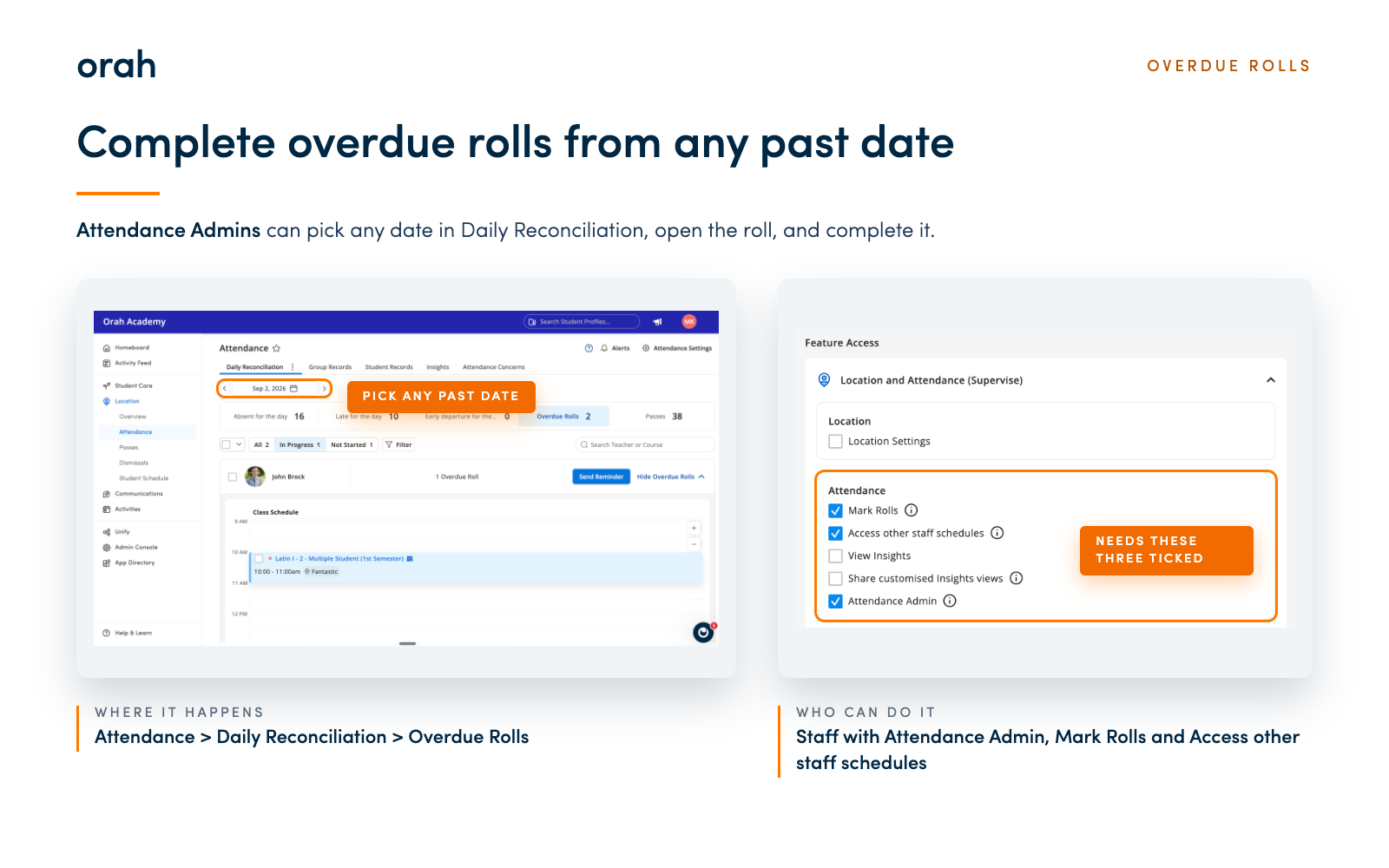
Attendance Admins can now complete overdue rolls from any past date, right from Daily Reconciliation. Pick a date, open the roll, and wrap it up in a few clicks.
What's New
Choose any date on Daily Reconciliation, open an overdue roll that's not started or still in progress, mark attendance, and complete it, no matter how long ago the class took place. Your "up to X days ago" limit in Attendance Settings works just as it always has on My Schedule, and we're adding a short note to that setting so it's clear where the limit applies.
To complete an overdue roll from any past date from Daily Reconciliation, staff need all three of these permissions turned on: Attendance Admin, Mark Rolls and Access other staff schedules.
Why It Matters
Every roll can get its attendance recorded, so your records stay complete. Teachers still work within your day limit on My Schedule, which means completing older rolls stays with the admins you choose.
Next Steps
Give the right people access. Under Admin Console > Staff, tick Attendance Admin, Mark Rolls and Access other staff schedules, either on a role or for an individual. Staff need all three.
Open Attendance > Daily Reconciliation
Open Overdue Rolls and pick the date you want to review
Open the roll, mark the students and select Complete Roll
Give it a try on your next overdue roll. Questions about who can see Daily Reconciliation? Reach out to your CSM.