Zoom In and Out on Your Schedule
The Snapshot
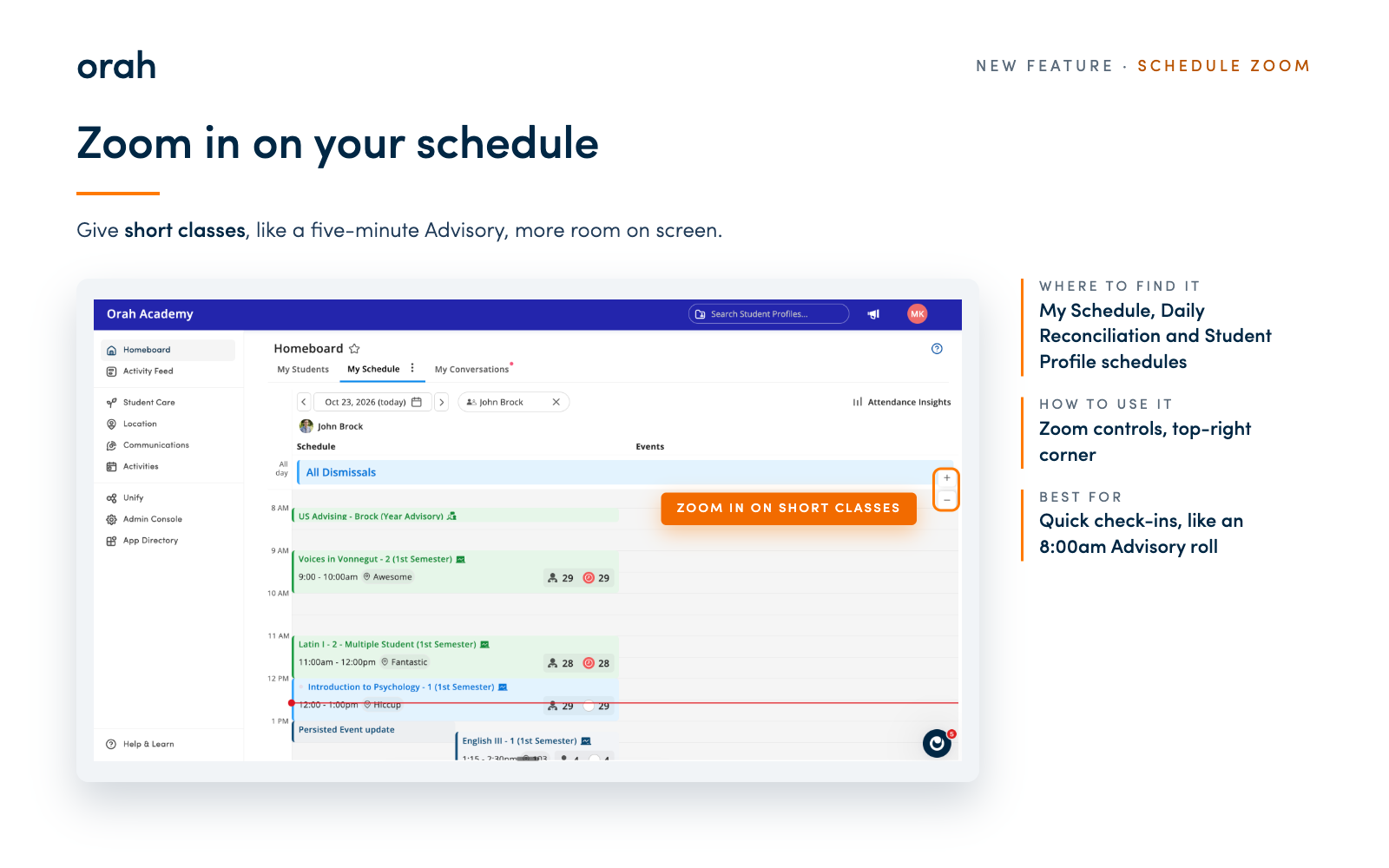
You can now zoom in on your schedule to give short classes, like a five-minute Advisory, more room on screen. Every class is easy to spot and tap.
What's New
We added small zoom controls to the top-right corner wherever you can view a schedule. Zoom in to stretch out the hours, and brief periods get more space. You'll find the controls in My Schedule and in the calendars in Daily Reconciliation and on Student Profiles.
Why It Matters
Quick check-ins like an 8:00am Advisory roll are over in minutes and usually hard to see on the schedule. Now teachers can zoom in, find the roll straight away and open it without friction at the start of the day.
Instructions:
Open My Schedule, Daily Reconciliation or Student Profile Schedules
Use the zoom controls in the top-right corner to zoom in until your short classes are easy to see
Give it a try tomorrow morning. Questions? Reach out to your CSM.